
Why I Was About to Give Up on Complicated Automations
I’ll be honest. I love Home Assistant, but I was spending way too much time writing YAML, fixing indentation errors, and traversing that endless menu structure just to make my lights do something simple.
Last week I wanted an automation that turns off all the downstairs lights, locks the front door, and sets the thermostat to sleep mode when I say “goodnight.” It should have taken 30 seconds. It took me an hour. For some more gifted in coding than me — maybe 15 minutes, but that’s still way too long.
That’s when I found OpenCode, and it has been an incredible addition to my Home Assistant setup.

What OpenCode Actually Did For Me
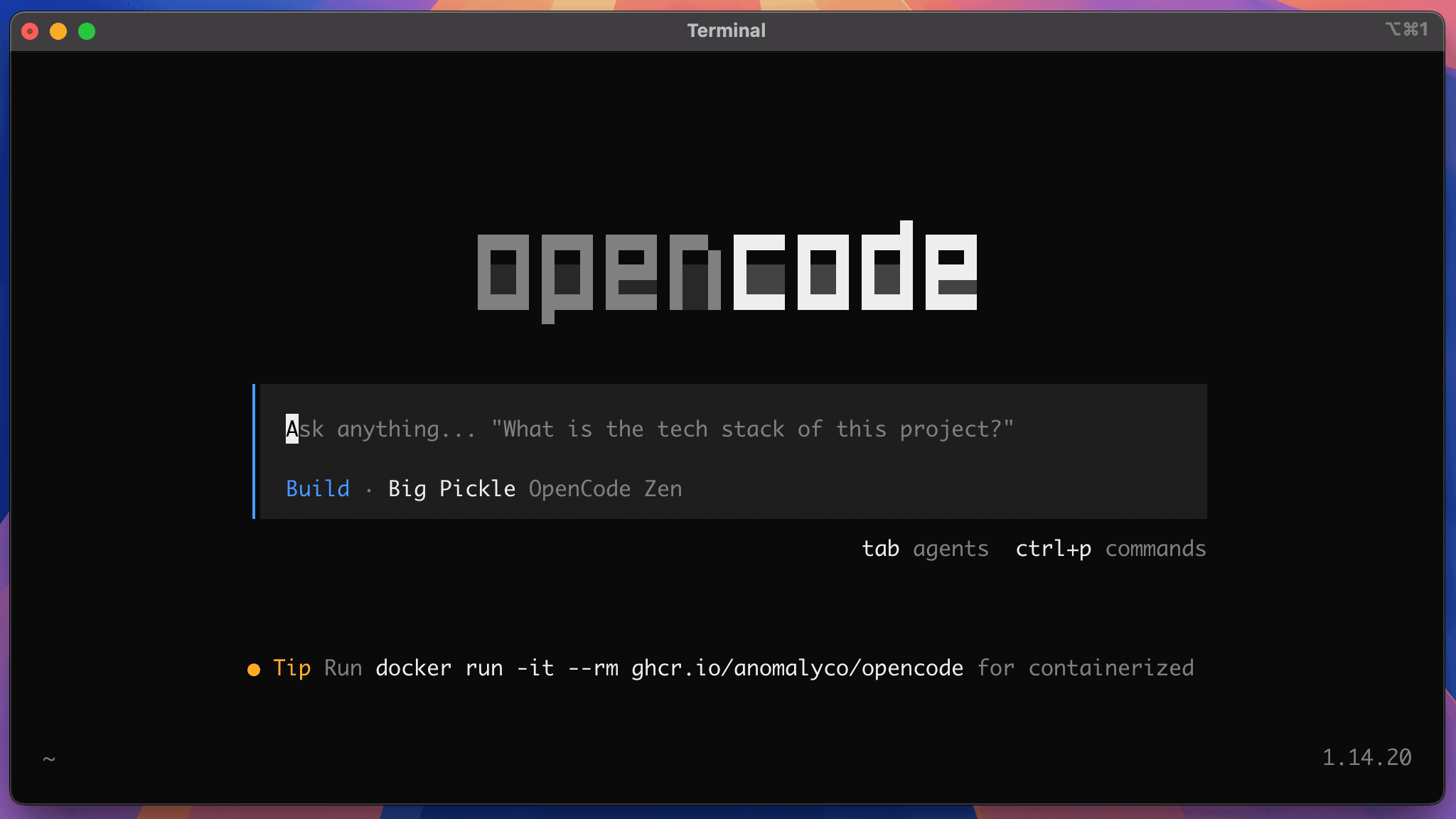
OpenCode is a custom integration by pranjal-joshi that connects OpenCode Zen — a curated gateway for AI models — directly into Home Assistant as a conversation agent.
I got a free API key from Zen and suddenly I had access to 75+ models, including free ones like MiniMax M2.5 Free, Kimi K2.5 Free, and Big Pickle. No subscriptions. I prefer Big Pickle…just a matter of personal preference.
Here is what changed for me:
- I stopped writing YAML. I just talk to it in plain English.
- I stopped hunting for entity IDs. It already knows all my devices, areas, and entities.
- My voice assistant got smart. It works with Assist and my voice pipeline, so I can control everything by voice.
- It fixes things for me. I can paste a broken automation and say “fix this” and it does.
Real Examples From My House
This is not theory. These are things I have actually said to my OpenCode agent in the last few days:
“Create an automation that turns on the porch and driveway lights at sunset, but only if someone is home.”
It built it. Trigger, condition, actions — all done. No YAML.
“Why is my office so hot? Check the sensors and my AC automations.”
It told me my office temperature sensor was reading 81°F and my afternoon automation never triggered because of a condition I had set months ago.
“Make my living room cozy at 7pm — dim the lights to 40%, turn on the TV backlight, and set the thermostat to 72.”
I used to do this with 3 separate automations. Now it’s one sentence.
How I Installed OpenCode With Free Zen AI
This took me about 5 minutes. I already had HACS, which you will need.
Step 1: I Installed It Through HACS
- I went to HACS → Integrations → ⋮ in the top right → Custom repositories
- I added
https://github.com/pranjal-joshi/opencodeas category Integration - I clicked Install and then Restarted Home Assistant
Step 2: I Got My Free Zen Key
- I went to opencode.ai/auth
- I signed in with GitHub and copied my API key
- Free models are zero cost per token, but you still need to create an account to get a key. I started with $0 balance and it works perfectly for the free models.
Step 3: I Connected It to Home Assistant
- I went to Settings → Devices & Services → Add Integration → OpenCode
- I pasted in my API key
- I clicked Add conversation agent and picked a model — I started with
minimax-m2.5-free - Optional: I also added an AI Task agent for the
ai_task.generate_dataservice, which I now use for daily summaries
Step 4: I Chose My Models
What I learned after playing with it for a few days:
- minimax-m2.5-free – Best for building automations.
- kimi-k2.5-free – I use this when I have a lot of entities to reference, it handles long context better.
- big-pickle-free – Super fast for simple “turn off everything downstairs” commands.
You can add more than one agent.
Step 5: I Started Talking To My House
I went to Developer Tools → Assist and set my default agent to OpenCode. Then I set it as my conversation agent under Settings → Voice Assistants.
If you want to test it, try what I tried first:
"What lights are on right now?"
"Create an automation: when the last person leaves, turn off all lights and set thermostat to eco"
"Explain this automation to me in simple terms: [paste YAML]"
What I Wish I Knew Before
1. Check the permissions at first. I let it control devices right away, but I made it ask for confirmation before deleting automations. You can change that later when you trust it.
2. Use attachments. I uploaded a screenshot of a blueprint error and said “fix this” — it read it and fixed it. It supports images and PDFs.
3. The AI Tasks feature is underrated. I now have an automation that runs every evening: it asks OpenCode to summarize when doors opened and who was home, then sends it to my phone. That’s done with the ai_task.generate_data service.
My Final Take
I installed OpenCode because I was tired of spending my free time debugging YAML. I kept it because it makes Home Assistant fun again.
For the first time, I can just tell my home what I want in simple English, and it does it. No menus, no syntax errors, no hour-long detours.
If you have been putting off automations because you didn’t want to deal with the complexity — this is the tool I recommend you install today.
Have you tried it? What is the first automation you would create if you could just say it out loud? Let me know in the comments.
To learn more about my use of Home Assistant, click here.
Useful links from my setup: OpenCode GitHub | Docs | Free Zen Key