
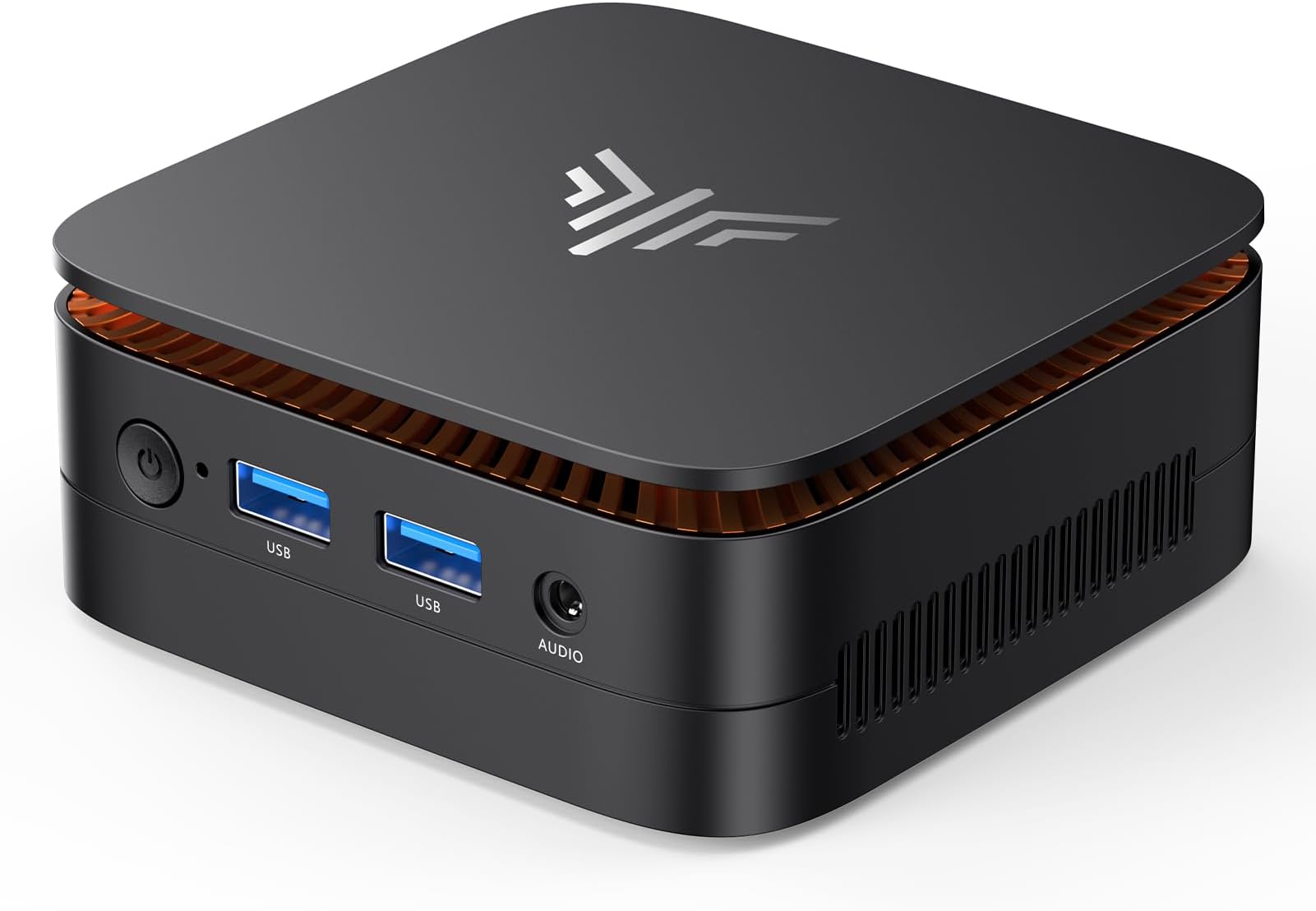
I bought a “like new” MacBook Air on eBay for $450. Seller said light use, perfect condition. It died 29 days later. Actually had liquid damage and a third-party battery. I way able to get a refund — not from the seller, but eBay. Thank goodness.
Six months later I bought a Certified Refurbished MacBook from Apple for $849 (was $1199 new). New battery, new outer shell, 1-year warranty, still perfect 18 months later. That’s when I learned: there is a massive difference between used vs refurbished tech.
If you want to buy refurbished tech and actually save money without getting burned, here’s the complete guide I wish I had.
Used vs Refurbished vs Renewed: The Definitions That Matter
Stores use these words interchangeably to confuse you. They are NOT the same:
1. Used Tech
Used means someone used it, decided to sell it, wiped it (maybe), and listed it. No inspection, no repair, no warranty. I stay away fromFacebook Marketplace, Craigslist, and OfferUp. You are buying someone else’s problem.
P.S. I have had good luck buying used PCs from eBay. I look for sellers who are pro/full time resellers and carefully read the reviews. Plus eBay offers great buyer protection.
If you are by chance thinking of getting into the home lab NAS server game, the used market is a great approach. Here’s an article I wrote about home lab for beginners:
2. Seller Refurbished (Misleading)
“Refurbished by seller” usually means they cleaned it with a wipe, factory reset it, and put it in a generic box. No real testing most likely. This is the most dangerous label when you buy refurbished tech on eBay or Amazon. It sounds safe but it’s just used tech with better marketing.
3. Certified / Manufacturer Refurbished (What You Want)
This is the only type you should buy. It means the original manufacturer or a certified partner took it back, ran a 50+ point diagnostic, replaced worn parts like batteries and keyboards, updated it, repackaged it, and gives it a real warranty. This is how you safely buy refurbished tech.
| Feature | Used | Seller Refurbished | Certified Refurbished |
|---|---|---|---|
| Warranty | None | 30 days (maybe) | 1 Year |
| Battery | Original, degraded | Original | Replaced if <80% |
| Testing | None | Turns on = works | Full diagnostics |
| Returns | No | 15-30 days | 30-90 days free |
| Savings | 50-70% off | 40-60% off | 20-50% off |
| Risk Level | Very High | High | Very Low |
Where to Buy Refurbished Tech Safely in 2026 (Ranked)
Tier 1: Safest – Buy Direct From Manufacturer
- Apple Certified Refurbished: The gold standard. New battery, new outer shell, 1-year Apple warranty. You cannot tell it from new. Saves 15-25% on MacBooks, iPads, iPhones. I buy all my Apple gear here.
- Dell Refurbished: Up to 50% off XPS and Alienware. Same as new warranty. Best value for Windows laptops.
- Lenovo Certified Refurbished: Great ThinkPad deals with 1-year warranty.
- Microsoft Certified Refurbished: For Surface devices, comes with 1-year Microsoft warranty.
Tier 2: Very Safe – Premium Retailer Programs
- Amazon Renewed Premium: Must say PREMIUM, not just Renewed. Premium = 1-year warranty, 90-day returns, battery 90%+. Regular Renewed is only 90-day warranty.
- Best Buy Geek Squad Certified Refurbished: Must have Geek Squad Certified label. 1-year warranty, you can return to store.
- Back Market: Specializes in refurbished tech. Look for Excellent grade or higher, 12-month warranty included.
How to Buy Refurbished Tech Without Getting Scammed: 7 Rules
1. The Battery Rule
Always ask for battery health. If seller won’t show screenshot of battery health, walk away. Certified refurbished guarantees 80% minimum, Premium guarantees 90%. Used laptops often have 60-70% health which means 2 hours of use max. I had a brief interaction will a seller who didn’t understand the concept of battery health. Needless to say, our chat was short. LOL.
2. The Warranty Test
If the listing doesn’t say “1-year warranty” or at least “90-day warranty” in writing, it’s not refurbished, it’s used. Screenshot the warranty page before you buy. No warranty = no purchase.
3. The Serial Number Check
Before you pay, get the serial number and check it on the manufacturer’s site. For Apple, check coverage.apple.com – it will tell you if it’s refurbished and if Find My iPhone is locked. For phones, check IMEI for blacklist status.
4. The Grading System
Learn grades: Grade A / Excellent = Like new, tiny micro scratches. Grade B / Good = Light scratches, works perfect. Grade C / Fair = Visible wear, dents. Never buy Grade C for daily use devices. For phones and laptops, only buy Grade A or Excellent when you buy refurbished tech.
5. The Payment Protection Rule
Never pay with Zelle, Venmo Friends & Family, wire, or gift cards. Always use credit card or PayPal Goods & Services. These may give you180 days to dispute if it dies.
6. The Too Good To Be True Rule
Real refurbished tech is 20-50% off, not 70% off. If iPhone 15 Pro Max refurbished is listed for $400 (new $1199), it’s stolen, counterfeit, or blacklisted. Check new price first, then expect 20-40% off for certified refurbished.
7. The Return Window
Safe places give you 30-90 days free returns. Scam sellers say “no returns” or “14 days, 20% restocking fee”. If they won’t let you return it, they don’t trust their own product.
What Should You Buy Refurbished? And What Should You Buy New?
Best to Buy Refurbished (Save quite a bit): Laptops, desktops, tablets, phones (last year’s model), monitors, cameras, headphones, game consoles. These have low failure rates after refurbishment.
Buy New Only: Hard drives / SSDs (you don’t know how much life is left), cheap earbuds (battery wear), printers (clogged heads), cheap cables / chargers (fire risk).
Final Verdict: Is Refurbished Tech Worth It?
Yes, if you buy Certified Refurbished from the right place. I have bought 4 certified refurbished devices in the last 2 years and saved $1,740 total with zero issues.
Don’t buy used. Buy certified refurbished. Check warranty, battery, and returns. Pay with protection. That’s how you win.