
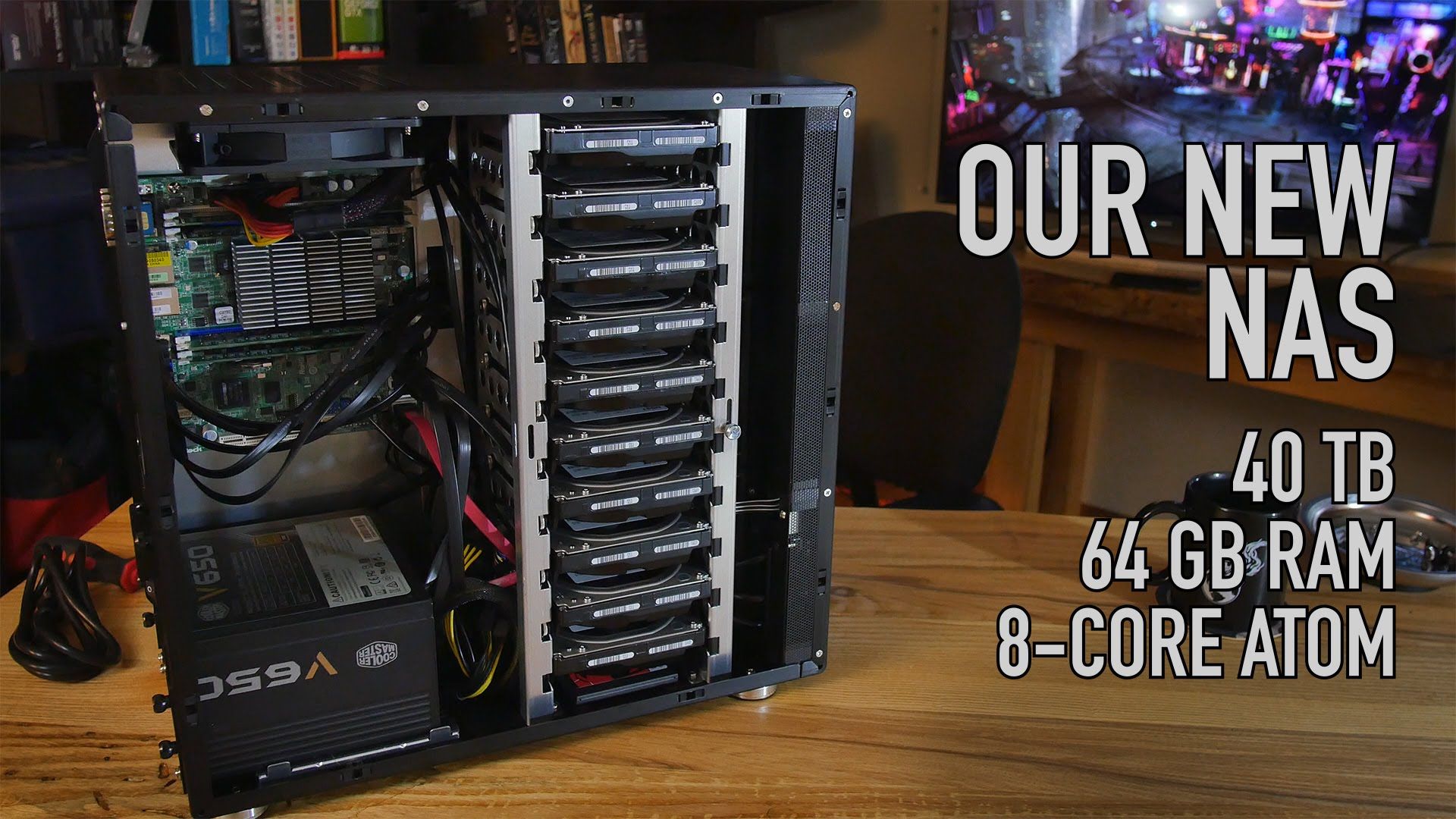
NAS Server vs Cloud Storage: The Expensive Truth YouTubers Won’t Tell You
Thinking about buying a NAS server to ditch cloud storage for good? If you’ve watched YouTube lately, you’ve heard the pitch: Cancel your cloud storage, build your own NAS server, and save a fortune.
Sounds perfect, but that advice is dangerously incomplete and could cost you all of your data.
Why Every YouTuber Is Pushing a NAS Server
The pitch for a NAS server always goes like this:
- You don’t need cloud storage anymore
- Just build or buy your own network attached storage (NAS) device
- SAVE lots of money!
What They Don’t Tell You About a NAS Server
Let’s be honest about the motivation. Their ploy is to get you to watch their videos to monetize their YouTube channels, and to get you to click their affiliate links so they earn commissions on every NAS server you buy.
What they never mention is the most important question: What about backing up your new NAS server that now sits on your desk?
A NAS Server Without Offsite Backup Is Not a Backup
When you move all your photos and documents from the cloud to a NAS server in your home, you create a single point of failure.
- Fire or flood? Your NAS server and your computers are destroyed together.
- Burglary? Thieves will take your NAS server too.
- Hardware failure? Even with RAID, two drives can fail. Power surges kill a NAS server.
- Ransomware? If your NAS server is synced to your PC, the encryption syncs too.
The biggest reason you use cloud storage is survivability. If something horrible happens at home, your data is safe in the cloud. No standalone NAS server can give you that assurance. Full stop.
The Real Cost of a NAS Server
YouTubers show you the price of the NAS server box, but not the 3-year cost of owning a NAS server:
- Electricity: A NAS server runs 24/7 and costs $50-$120 per year.
- Hard Drives: Drives in a NAS server fail and need replacement every 3-5 years.
- Offsite Backup: To make a NAS server safe, you still need to pay for cloud backup.
- Your Time: You become the IT admin for your NAS server.
My Hybrid NAS Server Solution: The Best of Both Worlds
I am not anti-NAS server. I love my NAS server. I continue to use cloud storage, but I ALSO have a NAS server. This hybrid approach is the only one that actually works.
I built my NAS server from an old 2009 Apple MacBook Pro. Instead of buying expensive hardware, I installed ZimaOS on it. ZimaOS is incredibly easy to install and turns any old PC into a powerful NAS server with a great dashboard.
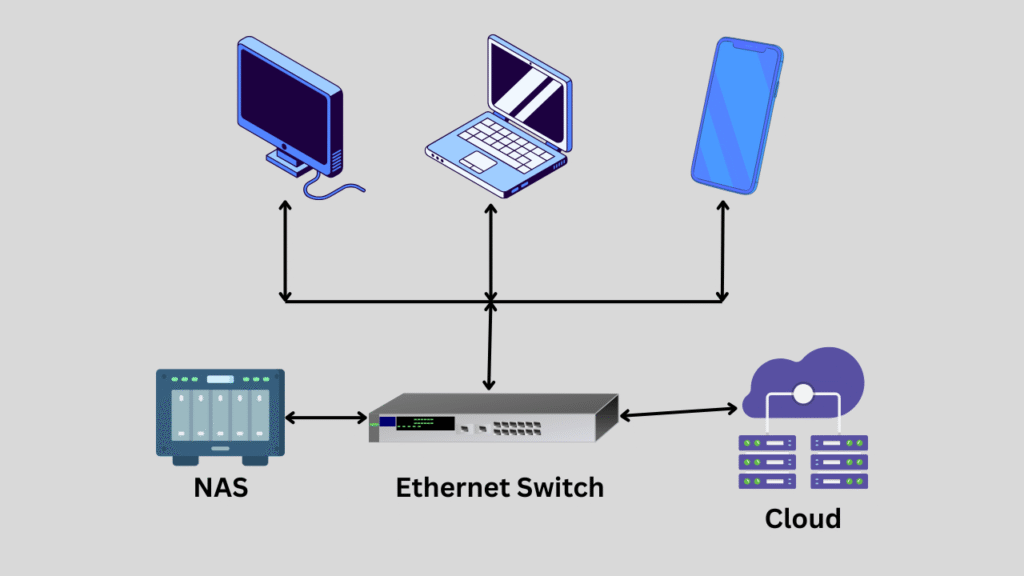
My entire home LAN has fast local access to the NAS server for Plex and file transfers, but everything on the NAS server is backed up to two different clouds. You can even use a free cloud like MEGAsync for your most important files.
If you want to buy a dedicated unit instead of building one, read my guide: 4 Top NAS Servers for Beginners
The NAS server gives me high-performance local access. The cloud gives me peace of mind. Best of both worlds.
How to Set Up a Safe NAS Server: 3 Rules
- Follow the 3-2-1 Rule: Keep 3 copies of data, on 2 media types, with 1 copy offsite. A single NAS server is only one copy.
- Automate Cloud Sync: Set your NAS server to sync to the cloud every night automatically.
- Test Your Restore: A NAS server backup you can’t restore is worthless. Test it monthly.