
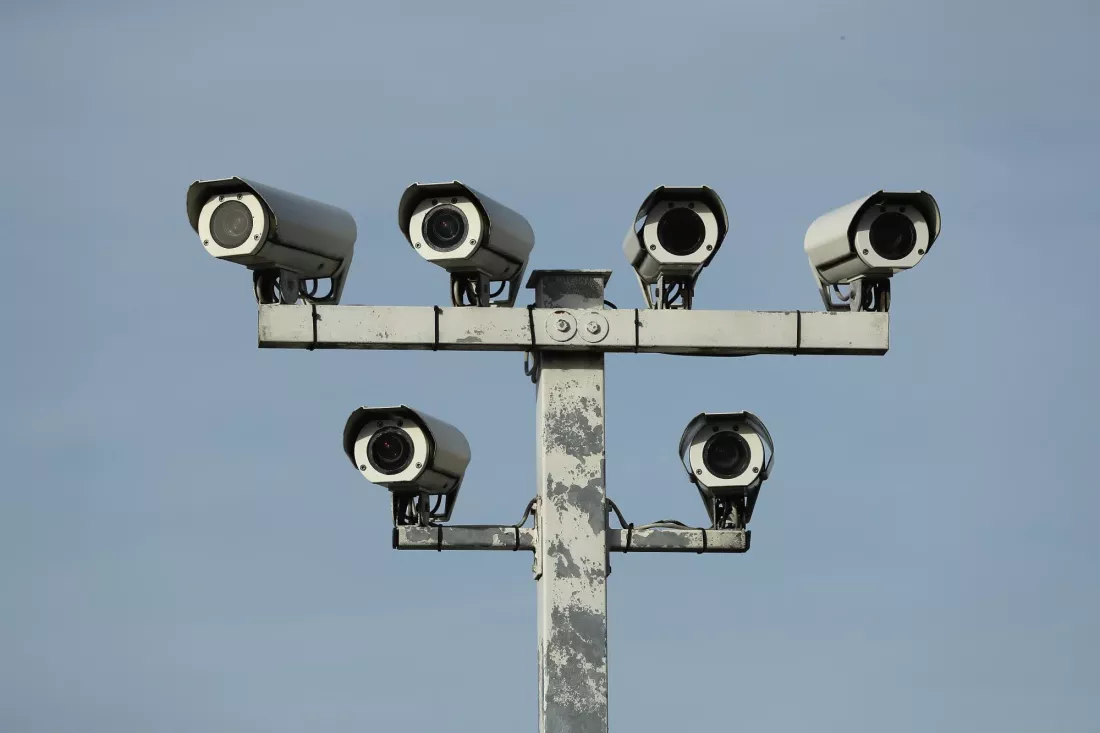
Many Budget Home Security Cameras WILL Disappoint You
After 5 years of testing budget home security cameras, I can tell you most inexpensive cameras from Wyze, Roku, Blink, and TP-Link will disappoint you. If you are shopping for budget home security cameras for real home security, here is what I learned the hard way…

Why Budget Home Security Cameras Fail
The problem isn’t just one brand. The entire category of budget home security cameras uses the same business model. They sell you a $20 to $35 camera with wildly amazing advertising claims, then lock the features you actually need behind a paid subscription. Even after you pay, the reliability is not there for real security use. I learned this after testing nearly every major cheap brand on the market.
For anyone researching your smart home automation setup, this was the biggest lesson: a cheap camera trying to do AI detection is not a security system. It’s junk.
5 Problems I Found Testing Cheap Cameras
- Advertising that sounds too good to be true. For $20 you get promises of person detection, package detection, facial recognition, and instant alerts. For budget home security cameras, those claims rarely hold up in daily use. They work in a demo video, not on your front porch at night.
- Useful features require a paid subscription. Read the fine print. Motion detection zones, longer video history, and filtering out false alerts all cost extra every month. The cheap camera becomes expensive quickly.
- Even paid features don’t work reliably. After paying for subscriptions on Wyze, Blink, and TP-Link, I found detection was delayed by 2-3 minutes, missed people walking right past the camera, or triggered constantly from shadows and bugs. For home security, a delay makes it useless.
- The new AI features are mostly marketing. In my opinion, the AI features on most budget home security cameras are a joke. It’s buzzword fluff to sell cameras, not a reliable tool you can depend on to protect your home.
- When it fails, they blame your setup. Every manufacturer support team told me it was my WiFi, my mounting height, my settings, or my phone — never the camera itself. I have enterprise WiFi and 20 years in IT. It was the camera.
I Tested Wyze, Blink, TP-Link, Ring and Roku
I manufacturer-hopped for years trying to find the best budget home security cameras. I started with Wyze, then tried Blink, then TP-Link Kasa, then even some Ring cameras, and finally Roku cameras which are actually rebranded Wyze cams. The result was the same every time.
None of the budget home security cameras I tested lived up to the manufacturer’s marketing claims, and none met my needs for reliable detection and coverage. I couldn’t justify spending what a true commercial-grade system costs like you see in Las Vegas casinos, so I had to rethink my approach completely.
My Final Solution That Actually Works
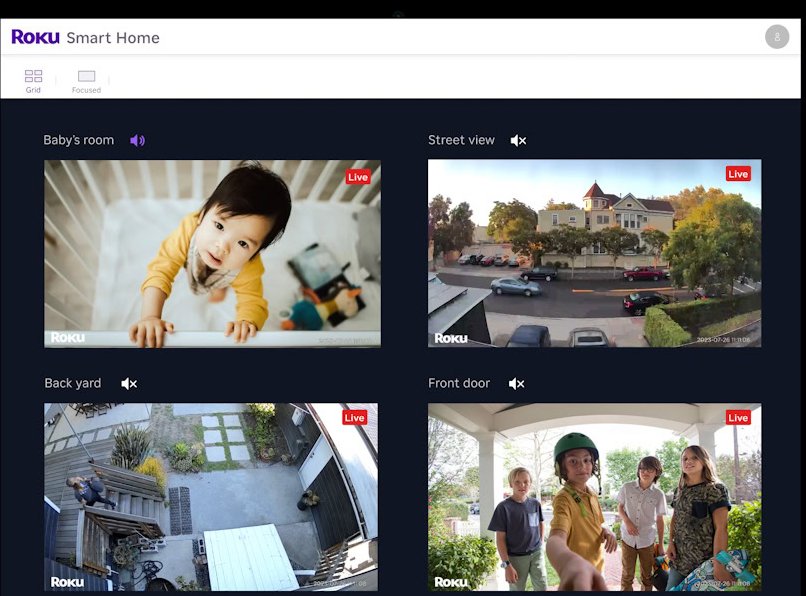
I dropped all subscriptions and stopped asking one cheap camera to do everything. Instead of one system doing everything poorly, I use two systems that each do one job reliably.
- For video: I use Roku cams in live mode on PCs via Roku Web View and on TVs with Roku streaming devices. Just a clean, instant live feed with no AI.
- For detection: I use indoor and outdoor motion sensors from my home automation hub, Hubitat. When Hubitat detects motion, it tells me exactly which camera to view. Learn more about the platform at Hubitat’s official site. Unlike budget home security cameras, Hubitat motion events ARE reliable.
This combination gives me thorough coverage indoors and out. When I’m away, Hubitat alerts me on my phone and I pull up the right Roku camera in the Roku app. It’s simple and it works every time.
Final Verdict on Budget Home Security Cameras
If you are shopping for budget home security cameras, don’t expect a single $20 camera and a subscription to give you real security. In my experience you will be disappointed. A simple live-view camera paired with a reliable motion sensor hub is a much better and more reliable solution for inexpensive home security than any all-in-one cheap camera I tested.
Are Wyze and Roku cameras the same?
Do budget home security cameras need a subscription?
What About Security Cameras and AI?
I did a deep dive into the subject. Here’s my review.