
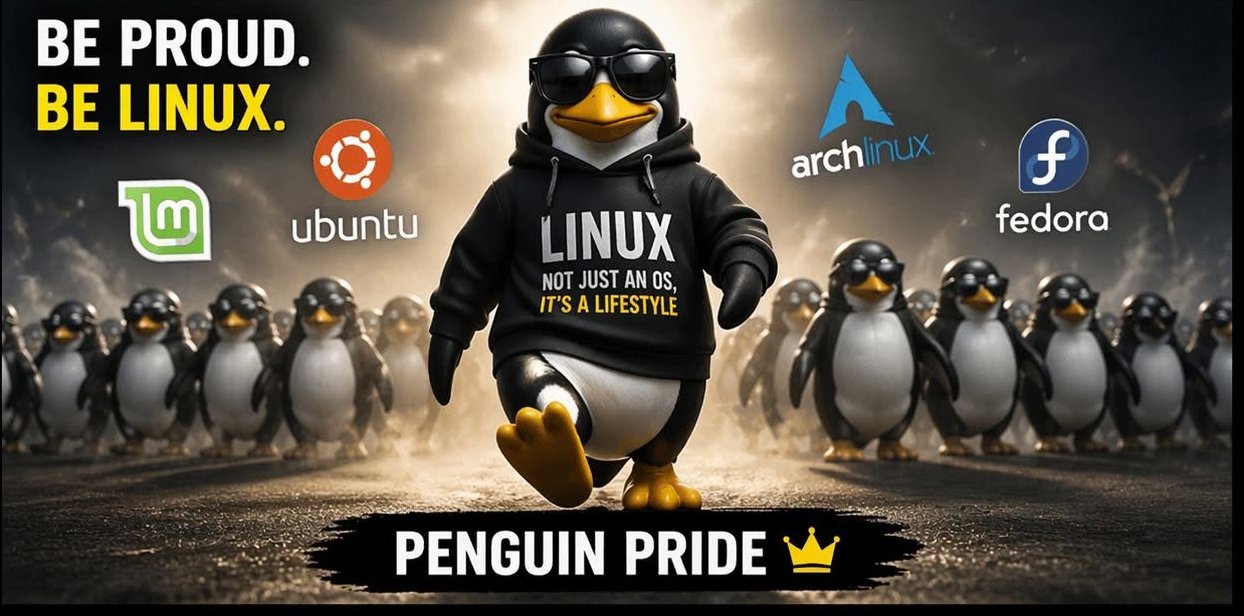
Switching to Linux from Windows 10: Why It’s Your Best Option Now
Switching to Linux from Windows 10 may be the smartest decision you make this year. With Windows 10 support ending and Windows 11 forcing new hardware requirements, Microsoft accounts, and endless subscriptions, millions of users are looking for a faster, private, and free alternative.
If you have never used Linux before, you are on the right track — but there are two common pitfalls that can turn your first experience into a disaster when switching to Linux from Windows 10.

2 Critical Mistakes Beginners Make When Switching to Linux from Windows 10
1. The Dual Boot Trap
The most common advice you will see on YouTube is: “Just dual boot Linux alongside Windows 10.” On paper, it sounds perfect. In reality, Microsoft never designed any version of Windows to peacefully coexist with another operating system.
Here is what often happens: You shrink your Windows partition, install Linux, and everything works for a week. Then Windows pushes a major update. It overwrites the GRUB bootloader — the small program that lets you choose between Windows and Linux at startup. Suddenly, you can’t boot into either system. You are staring at a black screen with grub rescue>. Fixing it requires command-line recovery that even intermediate users find confusing.
2. Plow Ahead Mode: Wiping Windows Completely
The second mistake is nuking your Windows 10 installation on day one. Technically, this works flawlessly. The problem? Everything means everything. Your photos, documents, browser passwords, and licensed software are gone. Forever. Unless you made a perfect, verified backup, there is no undo button.
Is There a Safe, Cheap Way to Try Linux for the First Time?
Yes. And it’s the method I recommend to every friend who is switching to Linux from Windows 10. It will cost you about $40.
The $40 Mac Mini Linux Test Lab
On eBay, you can buy a used Apple Mac Mini (2011-2014 model) starting around $35-$60. Look for models with 8GB of RAM and a 128GB or 256GB SSD. Businesses dump thousands of these every year.
- It’s easy to install Linux on. The Intel Mac Minis have excellent Linux hardware support. Wi-Fi, Bluetooth, sound, and graphics just work.
- It’s zero-risk. When you install Linux, it erases the old macOS. You get a pristine Linux installation without ever touching your main Windows 10 machine.
- It’s powerful enough. A 2011 Mac Mini with 8GB RAM runs the latest Linux Mint 22.2 Zara Cinnamon beautifully. This entire post was written on one.
My recommended setup for Windows switchers is Linux Mint Cinnamon Edition. If you know Windows 10, you already know how to use Mint. The Start menu, taskbar, and file manager will feel instantly familiar. If you are building a home lab, check out my guide on best budget SSDs for Linux for compatible upgrades.
How to Move Your Data Safely
Before you touch anything, back up your Windows 10 machine to the cloud with Google Drive or Dropbox. Once your files are safe, you can log in from your new Linux Mini and copy what you need. Live with the Mini for 2-3 weeks. Once you realize how fast, private, and bloatware-free computing can be, you’ll know switching to Linux from Windows 10 was worth it.
Honest Caveats When Switching to Linux from Windows 10
- Some Windows Software Will NEVER Run on Linux. If you are a serious gamer with anti-cheat games like Valorant or Fortnite, it may not work. Check ProtonDB.com for your specific games.
- Microsoft Office and Adobe Don’t Play Nice. Native Word, Excel, and Photoshop do not run natively. For 95% of people, the free LibreOffice is more than enough and saves you the $99/year Microsoft 365 subscription.
Bottom Line: Tread Lightly, But Tread Forward
Don’t risk your only computer by dual booting, and don’t erase a decade of files. Spend a few bucks, buy that used Mac Mini, and enter the Linux world safely. When you are ready, you can then install Linux on your old machine and blast away Windows. Forever.